
Just here, I’m explaining what Bernard is for: a general-purpose prompt creator and editor designed to help you formulate better requests to an AI.
Introduction
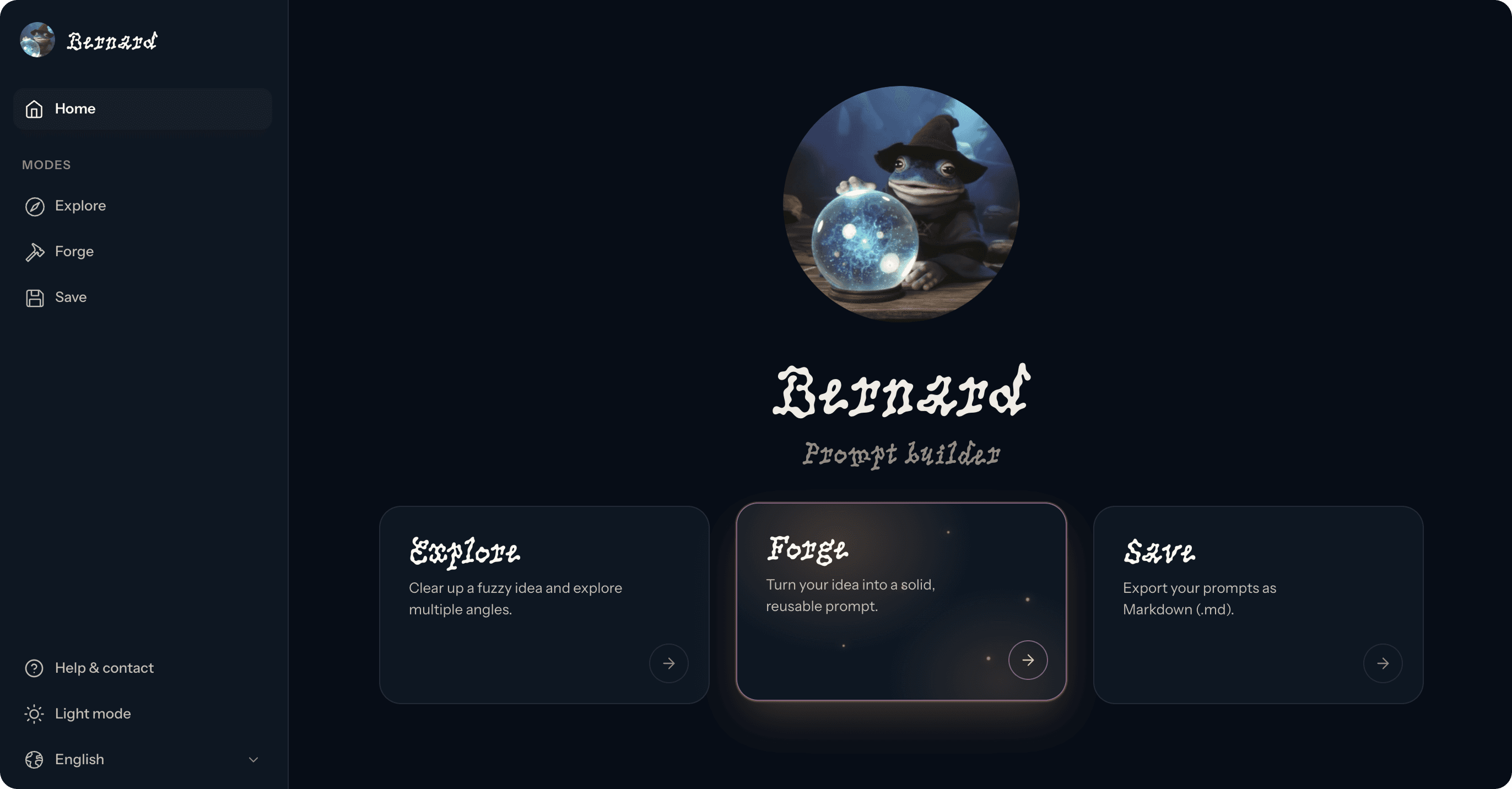
Bernard is an assistant that helps you write better prompts for ChatGPT, Claude, Gemini or other AI tools. A good prompt is not only useful to guide the AI. It also helps clarify what you have in mind.
It is mainly intended for people who are beginners or already at an intermediate level with AI, and who want to structure their requests more effectively without getting into anything too technical.
You can use Bernard here:
Bernard can be used in several ways:
Explore an idea when it is not clear yet. This is the “clearing the ground” mode: Bernard starts from a topic or an intention, then suggests several angles to approach it with an AI.
Forge with Bernard when the need is starting to become clear. Bernard starts from a request, a draft or a few notes, analyses what may be missing in relation to the intended structure, then produces a structured, robust prompt that can be used directly.
Forge manually when you want to start without AI, but with a structure. This mode lets you compose a prompt yourself from guided blocks, then preview it.
Save a prompt in Markdown. The site lets you import, edit, preview and download a .md file directly, without needing a code editor.
Why Bernard?
For a while, I had built myself a small agent to help me reformulate my requests to AI.
I often asked it something very simple:
Give me several examples of prompts: a short one, a medium one and a long one.
It worked pretty well.
It helped me see how to better phrase my request, what level of detail to add, what information to clarify, but also which angles to test. Sometimes, the short prompt was enough. Sometimes, the more structured version revealed that my need was not actually that clear yet.
As I kept using it, I realized this small agent was mainly answering two needs:
Exploring an idea when I did not yet know exactly how to formulate it.
Forging a cleaner prompt when the need was starting to become clear enough.
Over time, a third need appeared: keeping track of good prompts and sharing them.
I recently discovered the value of Markdown for writing and sharing prompts. It is simple, readable, easy to copy, and it keeps a clean structure. The thing is, opening a code editor just to edit or save a .md file feels a bit heavy.
That is what the Save mode is for: importing, editing, previewing and downloading prompts in Markdown, without needing a technical tool.